Seclave needs no software to type your passwords — on its own it acts
as a USB keyboard. These optional tools integrate it with desktop
password managers and workflows:
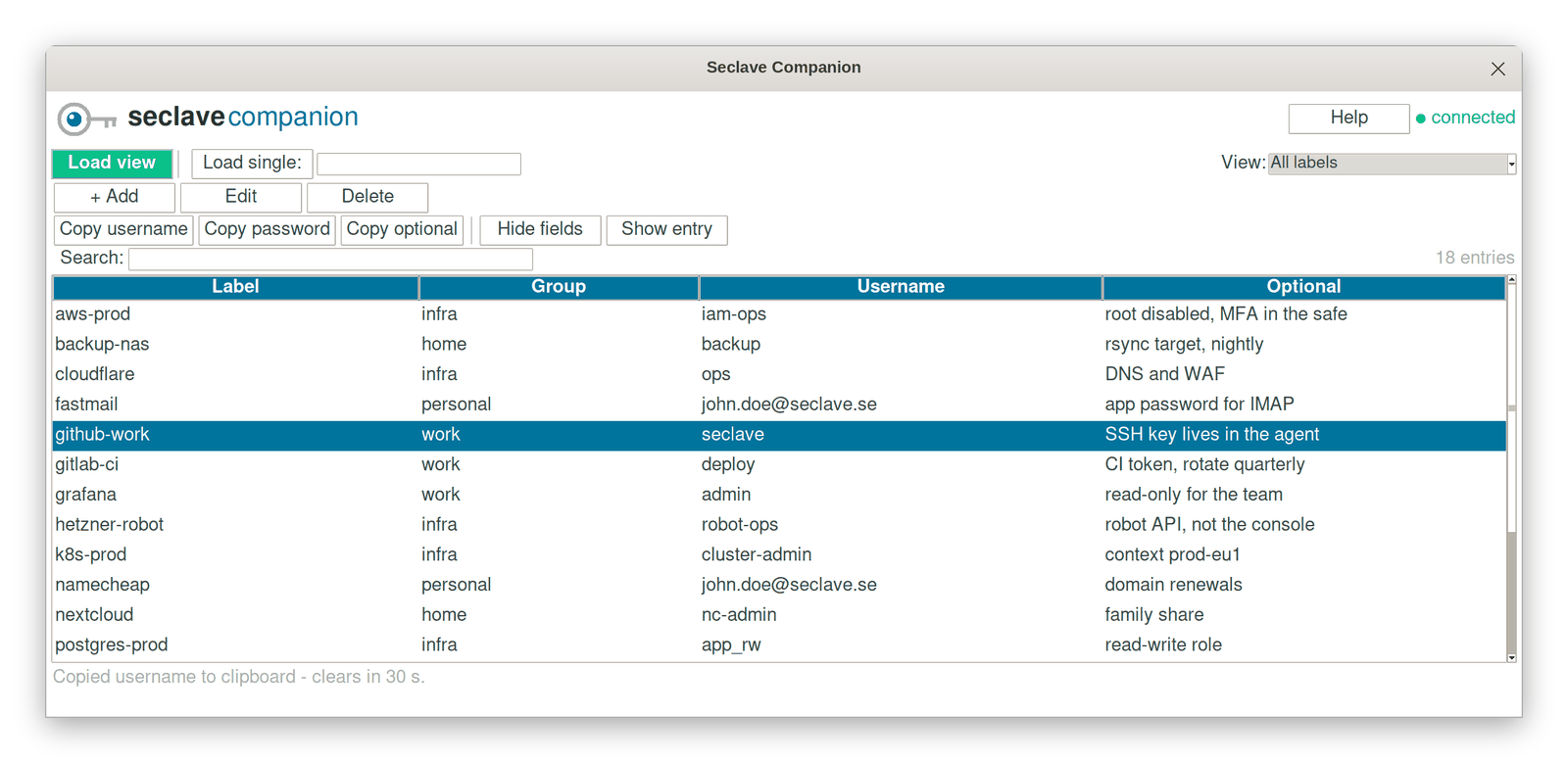
Seclave Companion
A small desktop app to browse and manage what's on your device —
copy a username or password, add, edit or delete an entry — with
each secret action confirmed on the device's own display. One
self-contained file; nothing is written to disk. Copied secrets are
cleared from the clipboard after 30 seconds.
Use your Seclave as the credential store behind KeePass 2 on the
desktop. The plugin talks to the device over USB, and every access
is confirmed on the device itself.