Password generators
When you set a password - for a new entry or when changing one - you can choose Generate and let Seclave build a strong password for you using its built-in randomness. There are five generators; pick whichever fits the account.
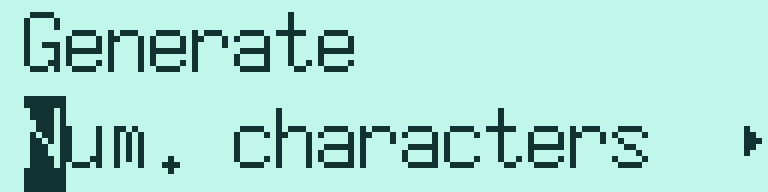
The five generators.
Num. characters
Produces a password of a length you choose, from 4 to 20 characters. The result always contains a mix of uppercase letters, lowercase letters, digits and special characters. Use this when a site limits the password length and you want to fill it.
PIN
Produces a code made only of digits, from 2 to 16 digits long. Use this for numeric PINs.
Choose entropy
Produces a password of uppercase letters, lowercase letters, digits and special characters with at least the amount of randomness (“entropy”) you pick. The available strengths are 32, 56, 64, 80, 128, 196 and 256 bits. Higher is stronger; the password gets longer as the strength rises.
Word based
Produces a passphrase made of random words. You choose how many words, from 1 to 5. More words make a stronger passphrase that is still relatively easy to read and type.
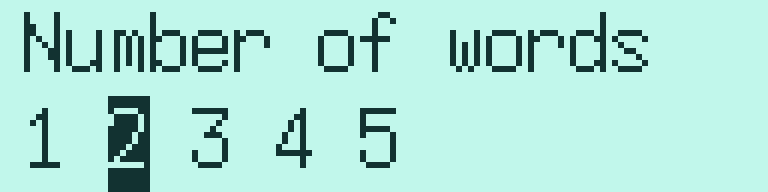
Choosing how many words the passphrase gets.

A generated word-based passphrase, shown before it is applied.
Guide me!
If you are not sure how strong a password should be, this generator picks the strength for you based on what the password is for. Choose the closest match:
webforum - lowest strength, for low-value accounts.
webmail - moderate strength.
login - strong, for important logins.
cryptokeys - highest strength, for protecting encryption keys.
Note
You can always choose Enter password instead of Generate if you need a specific password rather than a generated one.