Introduction
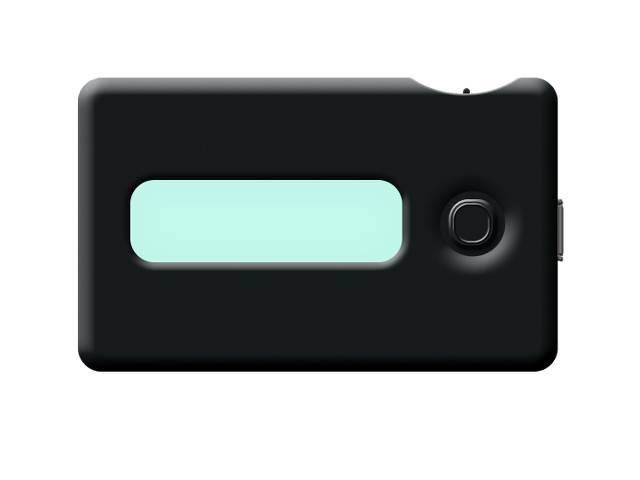
Seclave is a standalone hardware password manager: a handheld device with a display, a joystick and a power switch. Your passwords are stored, encrypted, on the device. They are shown on its screen or handed to a computer only when you ask for it on the device.
What is in the box
The Seclave device has two controls:
The power switch on the top right side.
The joystick, the large button next to the display. It can be moved in four directions (left, right, up, down) and pressed straight in.
Throughout this manual:
Move left / right means nudging the joystick sideways to move through a menu or a list.
Press (or “press in”) means pushing the joystick straight in to choose the highlighted item.
Up goes back to the previous menu.
How you use it
There are three ways to get a password out of Seclave, and you choose per use:
Read it on the screen. The device shows the field on its own display; the secret never touches the computer.
Let Seclave type it. With the device plugged into a USB port, Seclave acts as a keyboard and types the password (and optionally the username) into the computer for you. See Typing passwords to the computer.
Let a program on the computer ask for it. In Usb slave mode a program on the computer can look entries up over a USB connection, with the device asking you to approve each access. See Usb slave.
You can also back up and restore the whole device, and move passwords in from a password manager on the computer. Those are covered in Backup and restore and Managing entries.